

Animations and Interactive Content
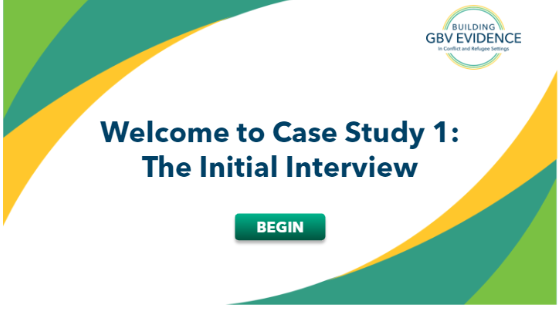
Client: The George Washington University
Project overview: Developed eight animated simulations with case studies to support the content learned in a Gender Based Violence course.
Instructional design process: Conducted meetings with SMEs to create the scripts for the simulations. Storyboarded the simulations, built them in Toonly, edited audio in Adobe Audacity and combined all elements in Storyline.
Instructional materials and tools:
- Word (Design document)
- PPT (Storyboard)
- Adobe Audacity
- Toonly
Challenges and successes: There were many organizations involved in this project such as UNICEF, GWI, and WHO, and it made the review process challenging. Many changes had to be made to the script, animations, and characters, but at the end we worked closely with SMEs to depict a case scenario that resonated with our learners. The simulations were a big success and were asked to create 5 more for an Empowered Aid program later on.
Language: English
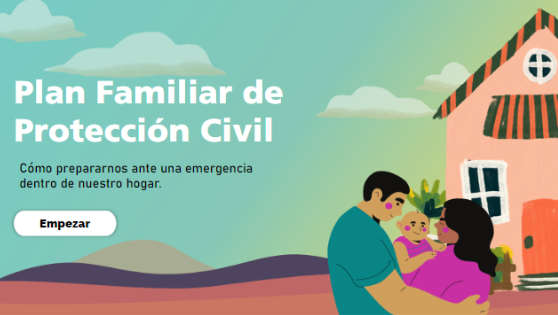
Client: Internal Project
Project overview: Developed a prototype of an animated microelearning about how to create a family civic protection plan.
Instructional design process: Analyzed the content and the content and the audience and created this micro elearning using animated content.
Instructional materials and tools:
- Word (Design document)
- PPT (Storyboard)
- Storyline
- Canva
Language: Spanish
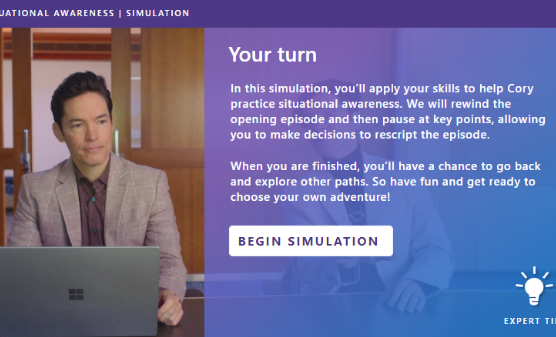
Client: Microsoft
Project overview: Developed a “choose your own adventure” simulation with videos to reinforce learning on situational fluency.
Instructional design process: I created the “choose your own adventure concept” Based my creation on several Netflix shows and submitted the idea to Microsoft. We then created the scripts and the branching simulation with our SMEs and had a professional studio record the videos. The entire experience was put together in Storyline.
Instructional materials and tools:
- Word (Scripts)
- PPT (Storyboard)
- Adobe XD
- Storyline
- Canva
Challenges and successes: The most challenging part was writting scripts that were perfect! We had many rounds of reviews with several SMEs, we could not have any re-records since the videos were going to be recorded all in one day by a professional studio. Putting the branching simulation together was also a challenge but it was also fun. These simulations really changed Microsoft’s vision of what we can accomplish with a business simulation.
Language: English
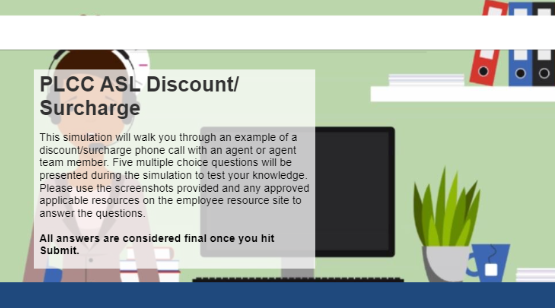
Client: Internal Project
Project overview: Developed this prototype to showcase a simulation.
Instructional design process: We meticulously designed this microelearning activity to enhance the learning experience, we employed Toonly to create captivating videos that bring the content to life. Additionally, we recorded audio to provide further engagement and immersion for the learners. Finally, we seamlessly integrated all the elements using Storyline, ensuring a cohesive and interactive experience throughout the activity.
Instructional materials and tools:
- Word (Design document)
- PPT (storyboard)
- Canva
- Toonly
- Storyline
Language: English